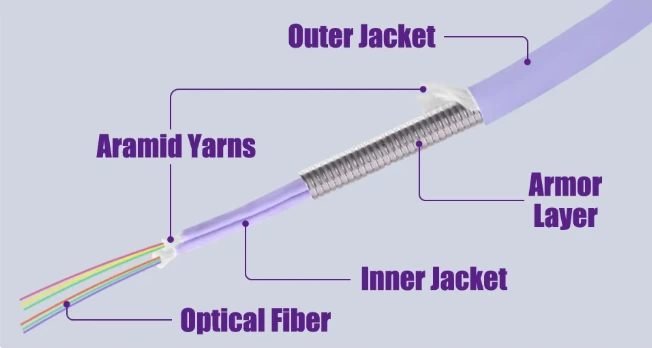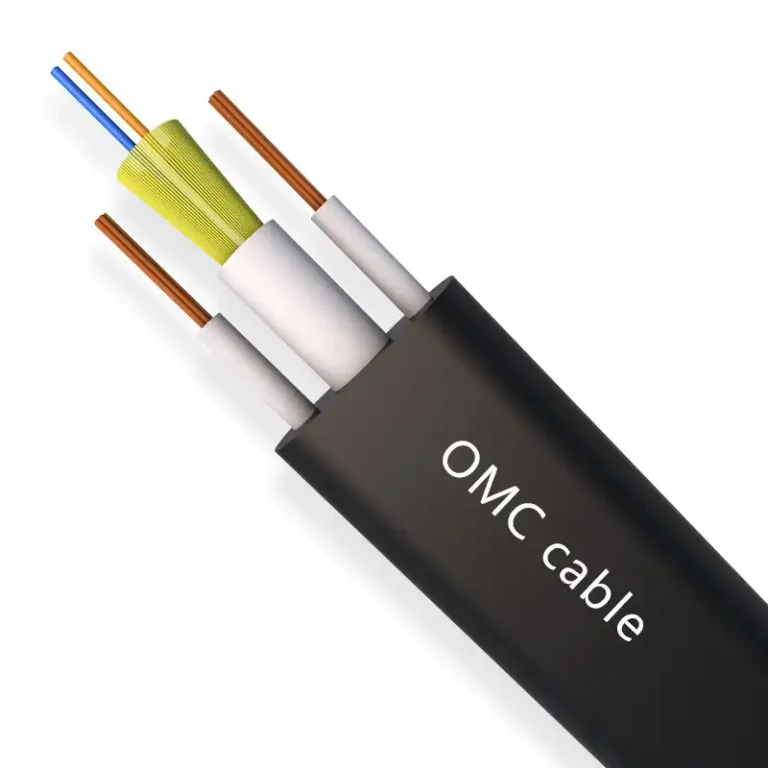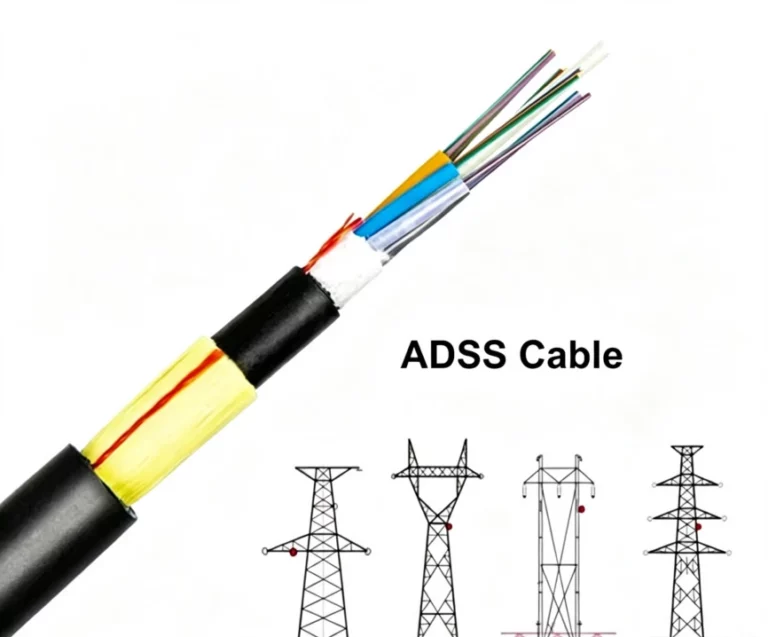








To ensure stable network performance, minimize signal loss, and extend service life, proper installation of flat ribbon fiber optic cables is essential. These cables are widely used in data centers and high-density network environments due to their compact structure and high fiber count. However, improper installation can lead to increased attenuation, fiber damage, and system failures.
This guide outlines best practices for installing flat ribbon fiber optic cables, covering preparation, routing, securing, protection, and testing.
1. Pre-Installation Preparation
1.1 Select the Appropriate Cable Type
Before installation, ensure the selected ribbon fiber cable meets project requirements:
- Fiber type (e.g., G.652D / G.657A1 / G.657A2)
- Fiber count (12F / 24F / 48F / 144F, etc.)
- Application environment (indoor / outdoor / duct / tray)
Choosing the right cable ensures optimal performance and durability.
1.2 Visual Inspection
Inspect the cable thoroughly before installation:
- Check for flattening, kinks, or outer jacket damage
- Ensure ribbon fibers are aligned and not twisted
- Verify connectors (if pre-terminated) are clean and intact
Do not install damaged cables—replace them immediately.
1.3 Route Planning
Plan the cable routing in advance:
- Determine total length and pathway
- Identify entry/exit points
- Avoid sharp edges and high-risk areas
- Reserve access space for maintenance
Proper planning helps prevent unnecessary bending and tension.
1.4 Tool Preparation
Prepare necessary installation tools:
- Cable pulling tools
- Fiber management accessories (trays, racks)
- Cable clips and fasteners
- Protective conduits or sleeves
- Optical testing equipment (power meter, OTDR)
2. Cable Routing Guidelines
2.1 Maintain Minimum Bend Radius
Flat ribbon cables are sensitive to bending:
- Static bend radius ≥ 10× cable diameter
- Dynamic bend radius ≥ 15–20× cable diameter
Avoid sharp bends to prevent macro-bending and micro-bending losses.
2.2 Avoid Mechanical Stress
During installation:
- Do not over-pull the cable
- Avoid crushing or heavy pressure
- Prevent twisting of ribbon structure
Damage to ribbon fibers may affect multiple fibers simultaneously.
2.3 Avoid Harsh Environments
Keep cables away from:
- High-temperature zones (e.g., hot aisles)
- Vibration sources
- Moist or corrosive environments
Use protective conduits where necessary.
2.4 Use Structured Cabling Systems
Recommended routing infrastructure:
- Fiber cable trays
- Ducts and conduits
- Data center cable management systems
This improves organization and simplifies maintenance.
3. Securing and Protection
3.1 Proper Cable Fixing
Use appropriate cable clamps and fasteners:
- Avoid over-tightening
- Maintain even spacing
- Keep the cable naturally aligned
3.2 Mechanical Protection
In high-risk areas, apply additional protection:
- Corrugated tubing or protective sleeves
- Cable trays or raceways
- Abrasion-resistant coverings
Especially at corners, wall penetrations, and equipment entry points.
3.3 Allow Slack for Movement
For movable equipment (e.g., racks):
- Leave sufficient slack
- Prevent tension during operation
3.4 Cable Labeling
Clearly label all cables:
- Cable ID
- Origin and destination
- Application or service
This simplifies troubleshooting and maintenance.
4. Inspection and Testing
4.1 Visual and Routing Check
Confirm:
- Cable routing matches design
- No visible stress or damage
- Bend radius compliance
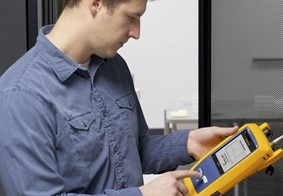
4.2 Optical Performance Testing
Perform essential tests:
- Insertion Loss (IL) testing
- OTDR testing for attenuation and fault detection
Ensure all results meet required standards.
4.3 Connector Inspection
- Ensure connectors are clean
- Verify secure connections
- Check proper termination at panels
4.4 System Verification
Conduct full link testing to confirm:
- Stable signal transmission
- No abnormal attenuation or packet loss
5. Conclusion
Proper installation of flat ribbon fiber optic cables is critical for ensuring high-performance optical networks. By following best practices in cable selection, routing, securing, and testing, you can significantly reduce signal loss, extend cable lifespan, and lower maintenance costs.
In high-density environments such as data centers, correct installation not only improves current performance but also supports future scalability.
Professional installation ensures a cleaner, more reliable, and future-ready fiber network.